Phishing texts target Signal users’ 64-character backup keys
Phishing texts posing as Signal Support ask users to paste 64-character Secure Backups recovery keys into chats, enabling attackers to download and decrypt encrypted backups.
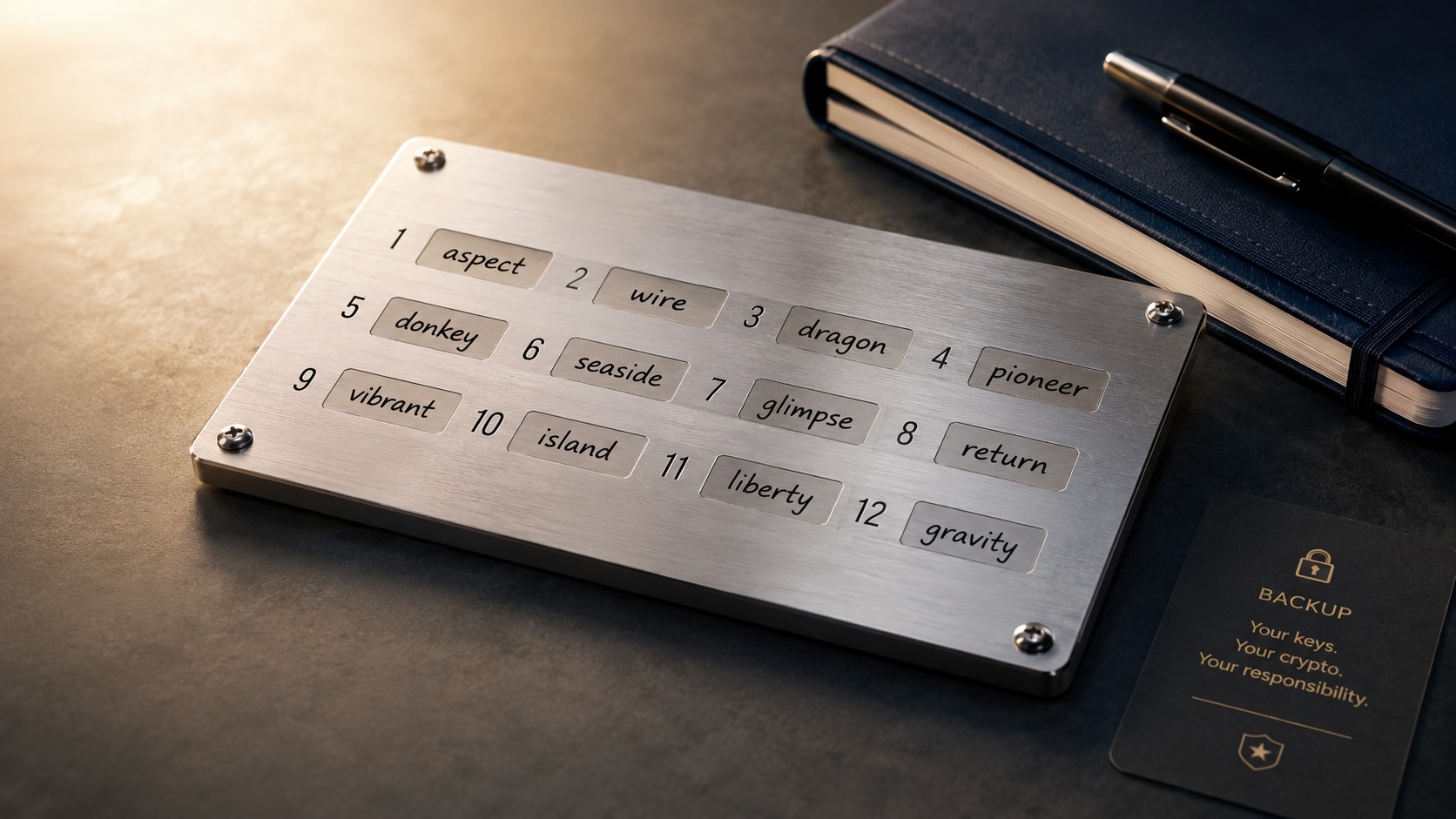
A phishing campaign is sending text messages that impersonate Signal Support and instruct recipients to paste their 64-character Secure Backups recovery key into a chat.
The fraudulent message presents an alert-style heading and directs users to open Settings -> Backups -> Configure -> Enable backups -> View Recovery Key, copy the key to the clipboard and paste it into the chat. The text warns of permanent data loss if recipients do not comply. Security researchers flagged that Signal Support would never request a recovery key in a message.
Signal’s Secure Backups feature stores encrypted conversation archives protected by a 64-character recovery key that is intended to remain only on the user’s device; Signal does not keep users’ recovery keys on its servers. If an attacker obtains a recovery key and gains control of the associated phone number or account, they can download the encrypted backup and use the key to decrypt the message history.
Researchers noted several warning signs in the messages: a “Name not verified” label under the sender, repeated threats of losing data, and the instruction to paste a secret key into a conversation. Reports so far have come from journalists and Chinese activists. Analysts who track attacks on media workers and dissidents issued alerts, and researchers said the tactic could spread now that other attackers are aware of it.
Signal’s public guidance states the company will never initiate contact asking for registration codes, PINs or recovery keys. Users who receive unsolicited messages claiming to be from support should not follow links or reply with codes or keys; they should open the app’s settings directly or visit signal.org.
Users can enable registration lock or a registration PIN and turn on device-change alerts so account re-registration requires a secret code. Storing PINs and recovery keys in a password manager instead of reusing simple codes reduces the risk of social engineering. Enabling disappearing messages limits how much long-term content is available if an attacker later gains access.
Malwarebytes’ Scam Guard and mobile security tools identified the specific message as a phishing attempt and can be used to check suspicious texts. Security researchers recommend treating any unsolicited request for secret codes, multi-factor authentication tokens or recovery keys as likely fraudulent.
Articles by this author