Phishing campaign targets Signal users for backup recovery keys
Texts impersonating Signal Support ask users to paste 64-character Secure Backup recovery keys into chats to steal and decrypt archived messages.
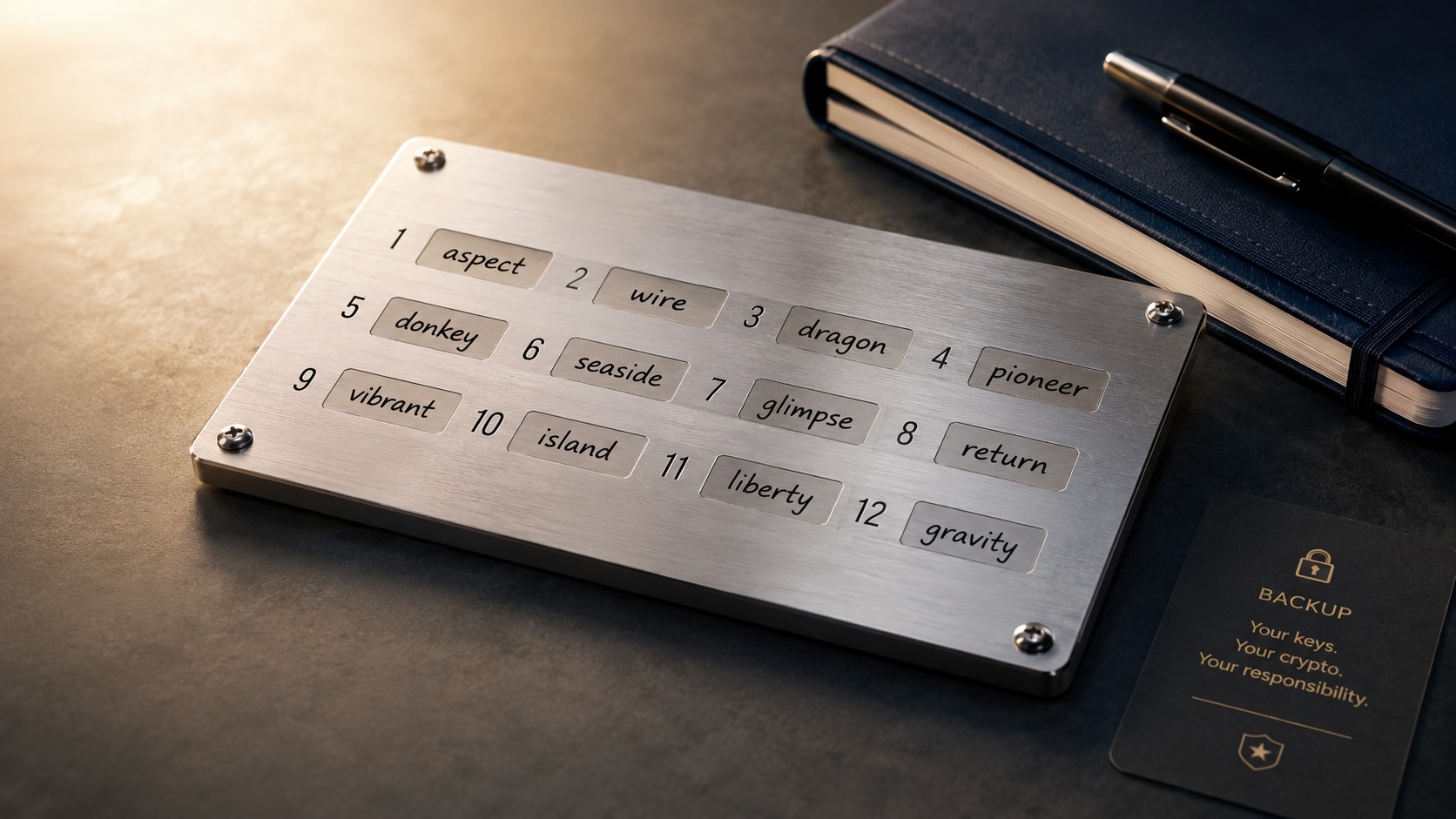
Phishing texts posing as Signal Support are asking users to paste their 64-character Secure Backup recovery keys into chats. The messages instruct recipients to retrieve the key from the app’s backup settings and paste it into the conversation to “link” a backup to the account.
The messages often show a “Name not verified” label under the sender and include repeated warnings that the user will lose all data unless they follow the instructions. Signal’s support team does not send unsolicited messages asking for recovery keys, registration codes or PINs.
Signal’s Secure Backups feature stores encrypted copies of message archives on the company’s servers. Each backup is protected by a 64-character recovery key that is created on the user’s device and is not meant to be shared. If an attacker obtains the recovery key and gains control of a phone number, they can download and decrypt the account’s message history.
Security researchers and advocates reported that the campaign has targeted journalists and Chinese activists. A researcher who monitors attacks on dissidents and reporters issued warnings after receiving examples of the texts.
Anti-phishing tools have flagged the messages. Malwarebytes’ Scam Guard identified the texts as phishing and offered guidance to users who received them.
The theft of a recovery key gives access to past messages, while gaining temporary control of an account without the key would typically expose only future messages. That difference makes the recovery key a high-value target for attackers.
Users are advised to treat unsolicited messages from anyone claiming to be “Support” as suspicious. If a message warns of account problems, do not follow links or paste codes or keys into a chat. Open the Signal app directly to check settings or visit Signal’s official site in a separate browser session. Never share verification codes, multi-factor authentication keys, app PINs or recovery keys in a chat or by SMS.
Signal offers security options such as registration lock or a registration PIN and device-change alerts to make silent re-registration harder. Storing a PIN in a password manager and using disappearing messages can reduce exposure if an account or backup is compromised. At present the campaign appears targeted, but the technique could spread to other groups if adopted by more attackers.
Articles by this author