Fake ChatGPT site steals passwords, targets Mac wallets
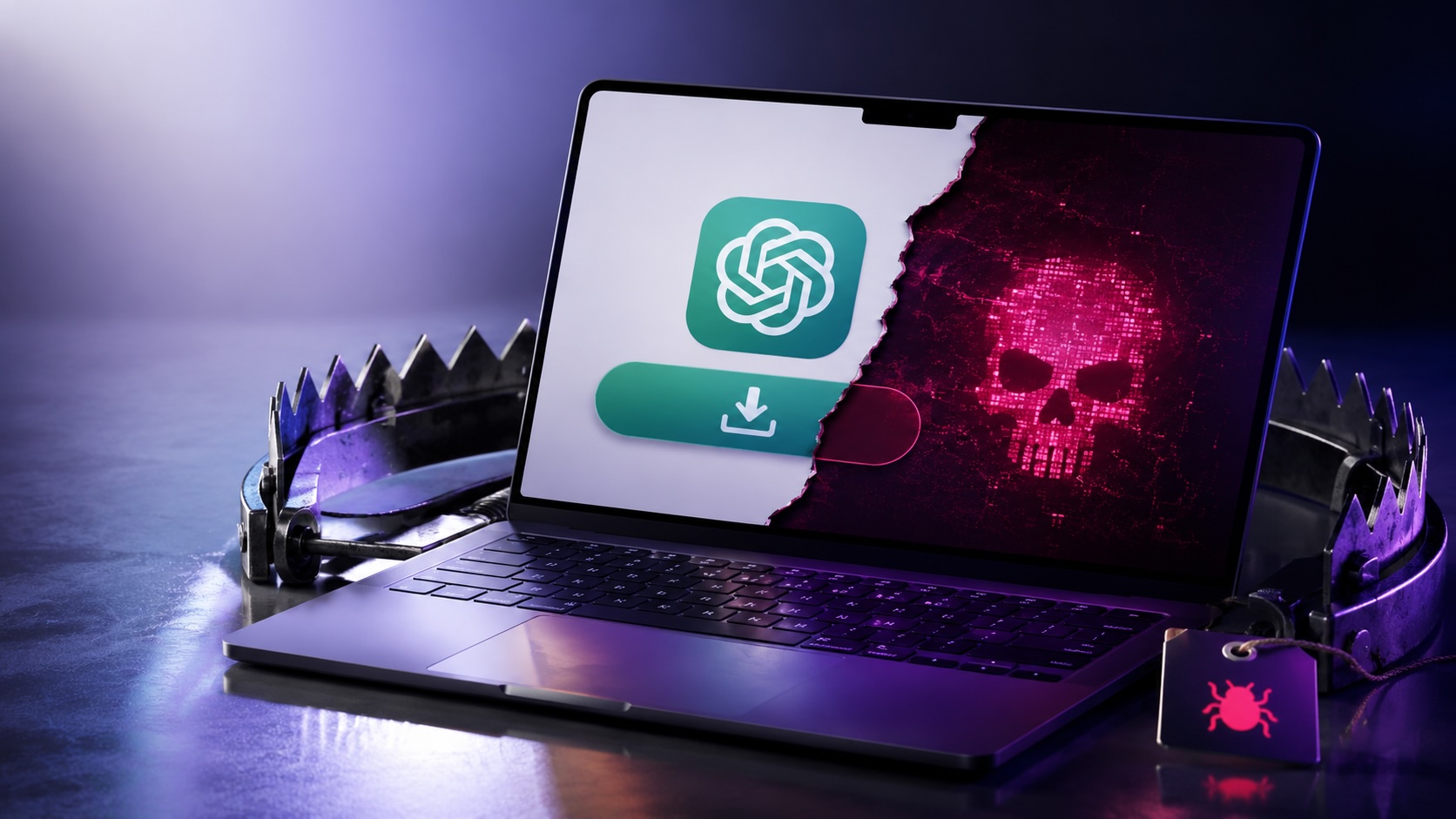
A cloned ChatGPT download page delivered credential-stealing malware to Windows and Atomic Stealer to macOS, harvesting passwords, browser data and cryptocurrency wallet files.
Security analysts found a convincing impersonation of OpenAI’s ChatGPT download page at the domain openew.app that distributed different malware for Windows and macOS. The site offered what looked like official desktop downloads but delivered a Windows credential stealer and Atomic Stealer (AMOS) to Macs.
The impersonation page used OpenAI-style branding, a dark theme and prominent macOS and Windows download buttons. The .app domain requires HTTPS, so browsers showed a padlock icon. Researchers said users who clicked ads or unfamiliar search results for “ChatGPT download” risked landing on the clone instead of the legitimate download page.
On Windows, the downloaded file named Chat_GPT.exe was built from common free tools. The installer used Inno Setup and bundled an Electron application skeleton with standard Chromium support libraries. When run, it created files under %APPDATA%\LeronApplication, launched an executable called EApp.exe and spawned PowerShell with the flags -ExecutionPolicy Unrestricted -Command -, which causes PowerShell to read commands from standard input. Analysts recorded the sample making HTTP requests to 188.137.246.189 using a /laravel.php endpoint. The behavior matched credential- and cookie-stealing commodity malware. At the time of analysis nine of 69 antivirus engines flagged the file.
The macOS payload matched Atomic Stealer, a malware-as-a-service platform linked to cryptocurrency theft. The sample executed a long AppleScript chain and ran a silent password check against macOS directory services. If the silent check failed, the code displayed a fake prompt reading ‘Please enter device password to continue’ and captured the entered password in cleartext when it was validated. The malware copied the macOS keychain, harvested cookies and saved logins from multiple Chromium-based browsers as well as Firefox and Waterfox, and extracted Telegram session data.
The AMOS sample also scanned at least 16 locations for cryptocurrency wallet data, including folders for Ledger Live, Trezor Suite, Exodus, Electrum and Sparrow. It searched user Desktop and Documents for files with extensions such as .wallet, .seed, .key and .kdbx, compressed the collected data and exfiltrated it to a hardcoded server. After initial data theft, the script downloaded trojanized versions of Ledger and Trezor wallet apps from a second server and attempted to delete and replace the legitimate wallet software. If the user password had been captured earlier, the script used sudo to force the replacement; otherwise it attempted removal with rm -rf commands.
The impersonation domain likely cost a normal registrar fee, and the Windows payload relied on free toolkits and low-cost hosting. Analysts estimated the Windows setup could be assembled for under $100. AMOS is typically rented and has been reported to cost about $3,000 per month. Operators used search ads, poisoned search results, video links and posts in AI-focused communities to drive traffic to the fake page.
Users who installed a ChatGPT app from anywhere other than OpenAI’s official download page or the Microsoft Store should assume compromise. From a clean device, affected users should sign out of important accounts using each service’s sign-out-everywhere option, change passwords starting with the primary email account, rotate API and SSH keys and rotate cloud credentials. Cryptocurrency holders should move funds immediately using a separate, uncompromised device. macOS users should not open Ledger Live or Trezor Suite on an affected machine before reinstalling the operating system. A clean OS reinstall is the recommended recovery step, and workplace devices should be reported to IT or security teams.
Tags
Articles by this author